
How to Create an Invoice Online for Free (No Signup Required + Template)
Learn how to create a professional invoice online for free without signup. Step-by-step guide with templates, examples, and tools for freelancers.
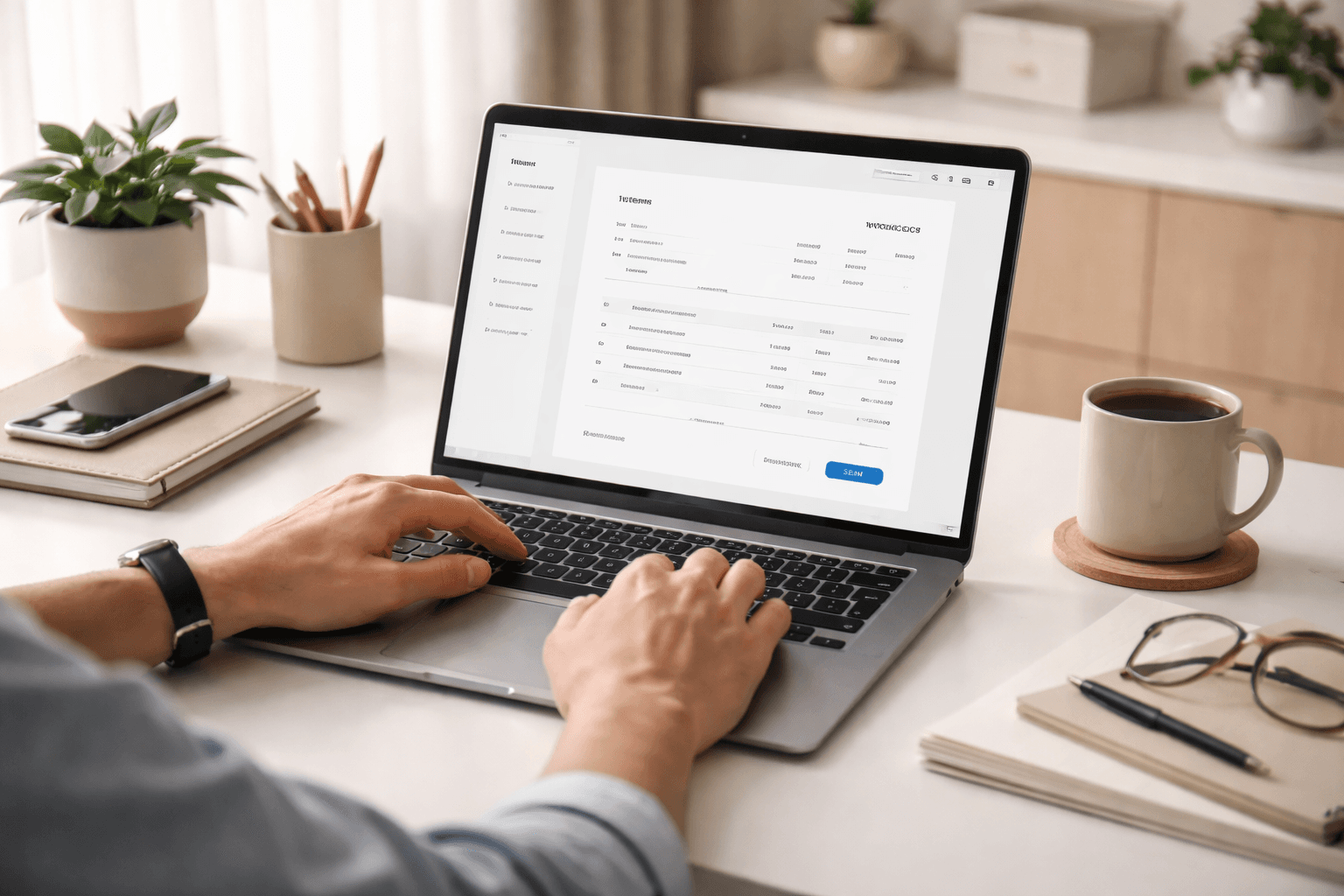
Why Professional Invoices Matter
Freelancers often treat invoices like an afterthought, but clients do not. A clear invoice signals professionalism, reduces payment friction, and gives both sides a record of what was delivered, what is owed, and when payment is due.
Why this affects SEO too
Invoice pages perform best when they solve real workflow problems. Strong visual examples, field-by-field guidance, and a usable tool make the content more linkable and more valuable.
What Every Invoice Should Include
An invoice should do one thing very clearly: remove confusion. If the client needs to guess what they are paying for or how to pay you, the invoice is not doing its job.
Core invoice fields
- Your business or personal name
- Client name and contact information
- Unique invoice number
- Issue date and due date
- Clear service or item descriptions
- Subtotal, taxes, discounts, and final total
- Payment method and terms
Simple invoice logic
sum(line items) + taxes - discounts = total due
Even a simple invoice should make this calculation easy to understand at a glance.
A Better Way to Create Invoices Online
Instead of writing invoices manually in a blank document, use a repeatable flow:
| Method | Pros | Cons |
|---|---|---|
| Manual document | Flexible at first | Slow, inconsistent, easy to break formatting |
| Spreadsheet template | Structured and reusable | Still clunky for polished client delivery |
| Online invoice generator | Fast, clean, repeatable, easier to share | Needs a good tool and clear template |
Recommended flow
Create once, reuse often
Build one clean invoice pattern with your business details, service formatting, and payment notes. Then reuse that structure every time. This saves time, keeps branding consistent, and helps clients pay faster because your invoice always looks familiar and complete.
Invoice Mistakes That Delay Payment
Most late-payment issues do not start with the client. They start with weak invoice structure. Vague service descriptions, missing due dates, no invoice number, or unclear payment instructions all create friction.
Common mistake
If your invoice says “design work” instead of a clear deliverable like “Landing page design and export package,” you are creating room for delay and confusion.
Use a cleaner system, review your invoice before sending, and make payment instructions impossible to miss.
Helpful Links
Resources mentioned in this post
Extra references and useful sources related to this article.
FAQ
Can I create invoices online for free?
Yes, many tools allow you to create invoices online for free without signup. These tools provide templates and allow you to download invoices instantly.
Do I need an invoice as a freelancer?
Yes, invoices are essential for tracking income, getting paid professionally, and maintaining financial records.
Cypex CloudBook
Part of the Cypex CloudBook editorial team focused on practical guides for freelancers, remote workers, and digital professionals.
Related tools
Freelance Rate Calculator
Use a freelance hourly rate calculator to price projects from your income target, expenses, tax reserve, and billable hours.
freelance hourly rate calculator
Related guides
Invoice Generator
Create a free invoice online with client details, line items, taxes, discounts, due dates, and a print-ready layout.
free invoice generator
Related guides
Monthly Income Calculator
Estimate monthly income, expenses, taxes, and take-home pay from hourly work, retainers, and recurring costs.
monthly income calculator
Related guides
Related posts

How to Calculate Freelance Hourly Rate (Free Calculator + Step-by-Step Guide)
Not sure what to charge as a freelancer? This step-by-step guide shows you how to calculate your freelance hourly rate using a realistic formula that covers income goals, business costs, taxes, and profit.

Best Digital Skills to Learn in 2026: Future-Proof Skills for Career Growth
The best digital skills to learn in 2026 can help you earn more, stay relevant, and build a future-proof career. This guide covers the top in-demand skills, how to choose one, and how to start learning faster.
Best Tools for Freelancers in 2026 (Boost Productivity + Income)
These are the essential tools every freelancer needs to manage work, clients, and income effectively.